StudioVoodoo Custom Keycap Editor

Use this tool to create your own custom keycap design. Upload an image, insert symbols, or add text to make your own bespoke cap. Make sure to read these tips to get the best quality possible.
Magic Eraser Tool

If you're using images with a solid colour background like JPG or BMP, use the Magic Eraser to strip away backgrounds. Simply click the area you want to remove and hit apply.
Image Adjustment Tool

If your image is more complex or the Magic Eraser isn't working for you, try enabling the Adjustment Tool and use the sliders to fine tune your image. This tool automatically strips out white backgrounds, so you might want to click the INVERT button if your image is on a dark background.
Cropping Images

If your image has a lot of empty space or needs elements removing, use the Crop tool to cut away any excess.
Choose Your Legend Type
What type of keycaps are you designing for?

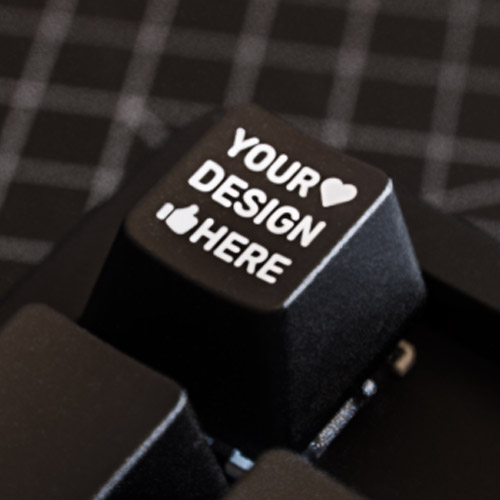
Choose Your Keycap Profile
Select the profile that matches your current keycaps.
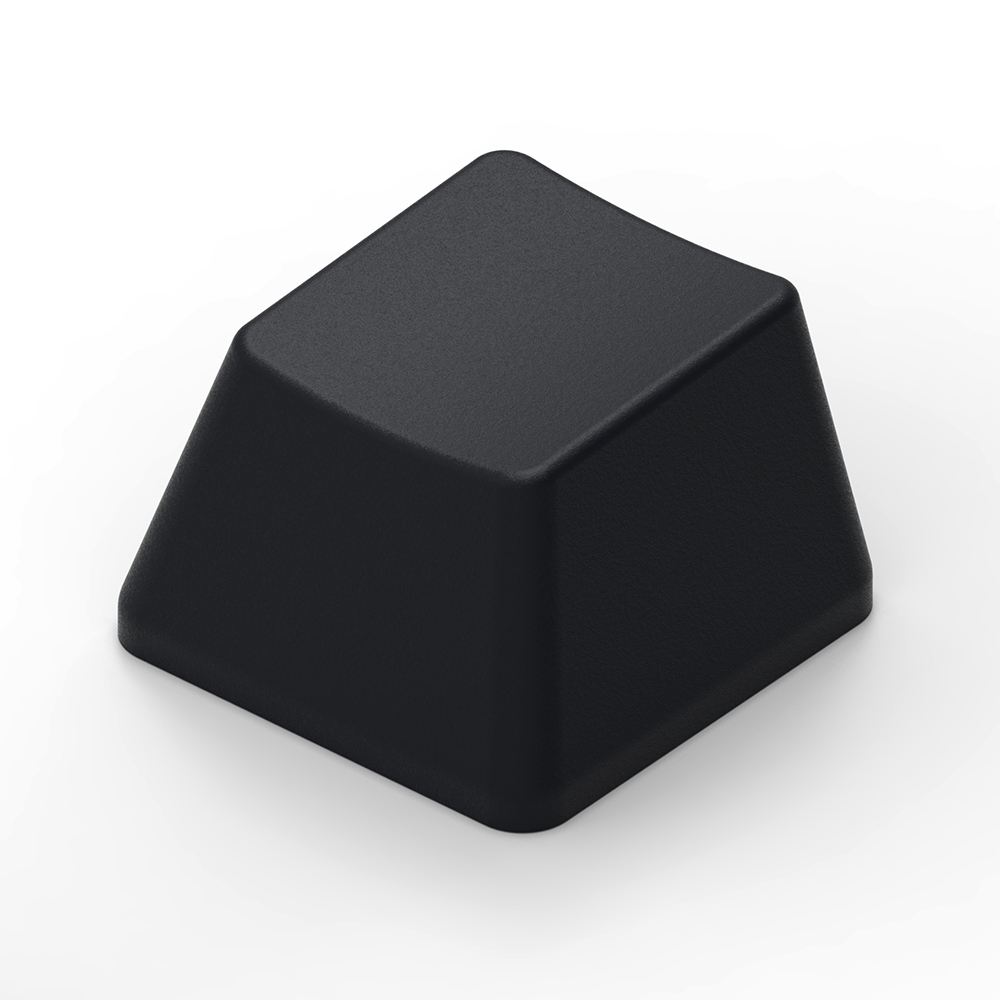 OEM
OEM
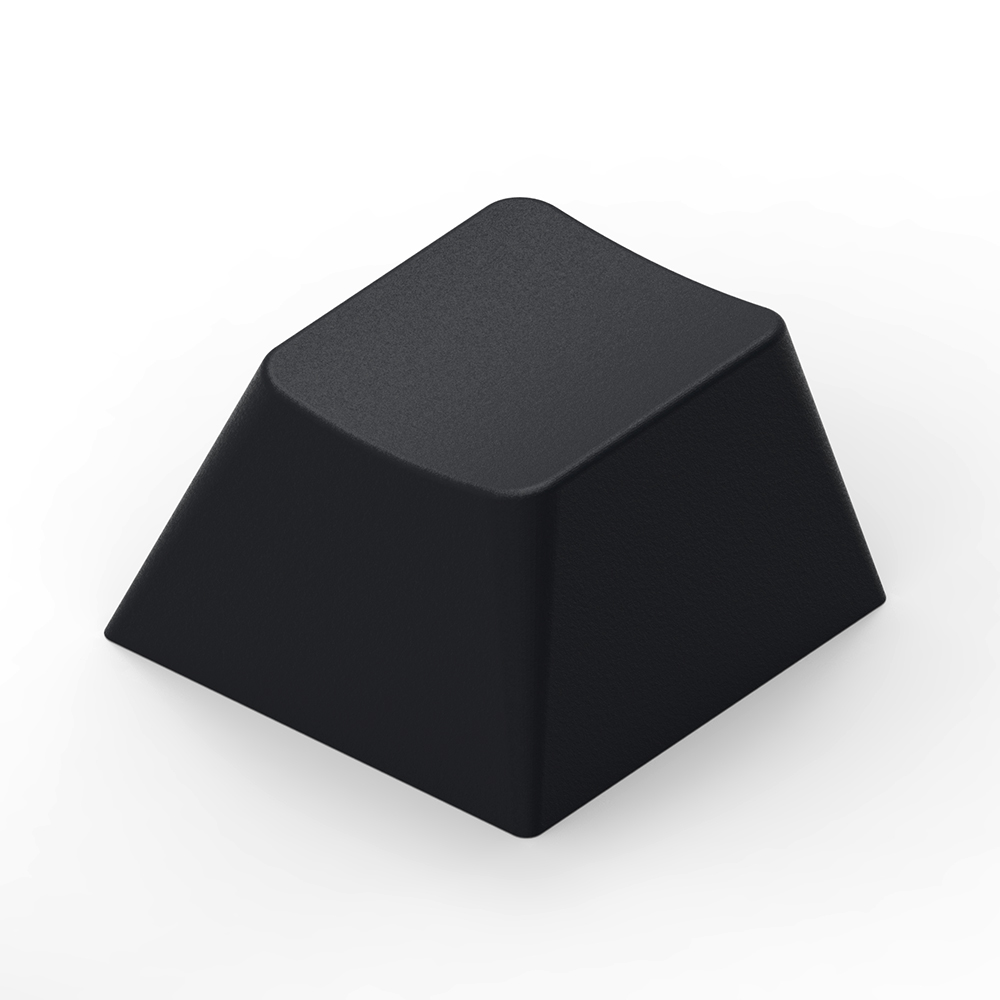 Cherry
 XDA
XDA
 Low Profile
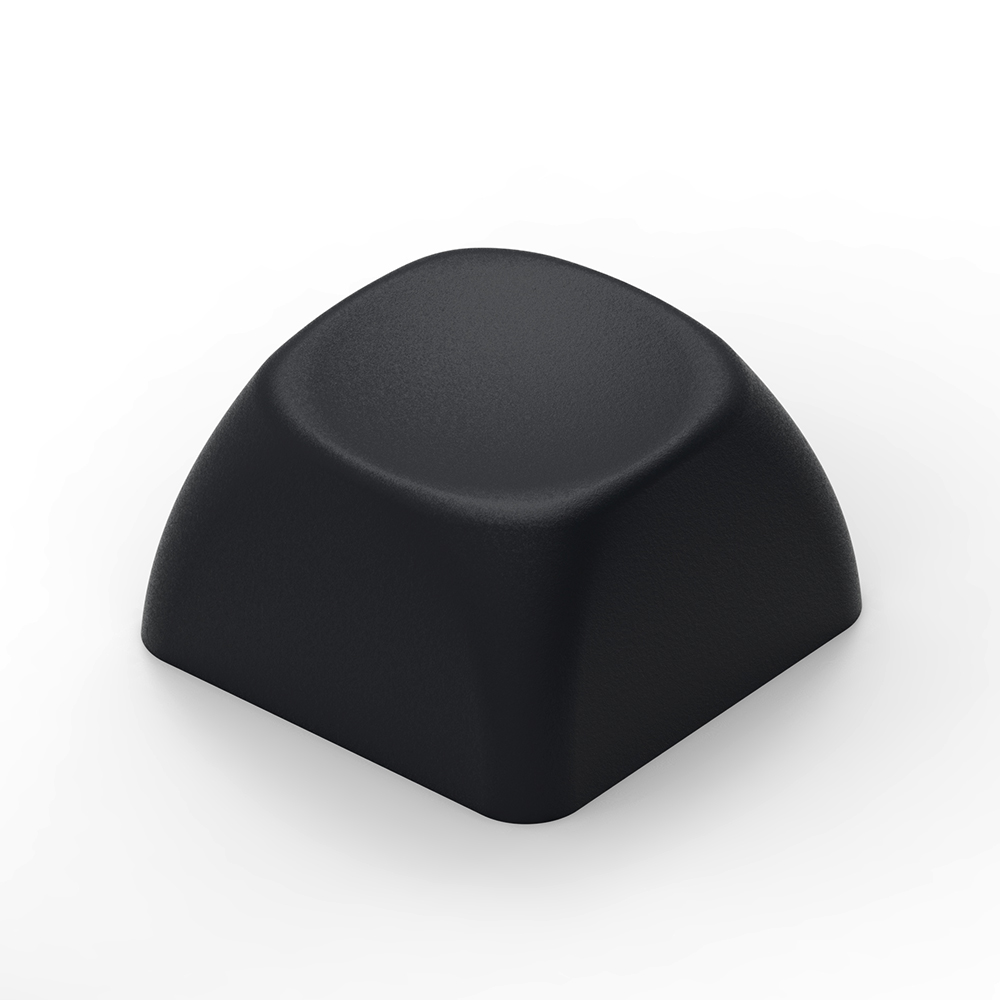 MOA
MOA
 Block
Block
 Kailh Choc
Choose Your Keycap Row
Click a row on the keyboard below. 1U widths are the only option currently available.
* profile uses the same keycap shape for ALL rows. If your rows are different, you might need to double check you've selected the correct profile.
If you're happy with your selections, press Start to begin designing.
Reset All?
This will delete your current design and take you back to the keycap profile and row selection options.
Uploading Your Design…
Please wait while your design is being processed.
Design Uploaded Successfully
Your design has been successfully uploaded. Here's your unique custom order code:
You can now head back to the Etsy product page and place your order, making sure to include the code shown above.
Upload Failed
Something went wrong while uploading your design. Please try again.